DeFi Wallets Explained - Setup, Security, and Withdrawals
Learn what a DeFi wallet is, how it differs from exchange accounts, how to set one up securely, and how to withdraw your funds.
TL;DR: A DeFi wallet is a non-custodial wallet where you control your private keys (unlike exchange accounts where the company holds your funds). Coinbase the exchange is NOT a DeFi wallet, but Coinbase Wallet is. You can withdraw money by sending crypto to an exchange and selling for fiat. Popular options include MetaMask, Rabby, Trust Wallet, and Coinbase Wallet.
One of the most common questions from crypto newcomers is about wallets: "Is Coinbase a DeFi wallet?" and "Can I withdraw money from a DeFi wallet?" This guide answers these questions and explains everything you need to know about DeFi wallets.
What is a DeFi Wallet?
A DeFi wallet is a non-custodial cryptocurrency wallet that lets you interact with decentralized finance applications. The key word here is non-custodial: you hold the private keys, not a company.
Custodial vs Non-Custodial
Custodial wallet (exchange account):
- A company holds your private keys
- You trust them to secure your funds
- Examples: Coinbase account, Binance account, Kraken account
- You can be locked out if the company freezes your account
Non-custodial wallet (DeFi wallet):
- You hold your own private keys
- Only you can access your funds
- Examples: MetaMask, Rabby, Trust Wallet, Coinbase Wallet
- You are responsible for your own security
Is Coinbase a DeFi Wallet?
This is a common point of confusion. Coinbase the exchange is NOT a DeFi wallet. Your Coinbase exchange account is custodial, meaning Coinbase holds your crypto on your behalf.
However, Coinbase Wallet (a separate app) IS a DeFi wallet. It's a non-custodial wallet where you control your keys and can interact with DeFi applications.
The same distinction applies to other platforms:
- Binance (exchange) vs Trust Wallet (DeFi wallet owned by Binance)
- Crypto.com (exchange) vs Crypto.com DeFi Wallet (non-custodial wallet)
Popular DeFi Wallets
MetaMask
The most widely used DeFi wallet. Available as a Browser extension (Chrome, Firefox, Brave, Edge) and Mobile app (iOS and Android)
- Pros: Largest ecosystem support, works with almost every DeFi app
- Cons: Browser extension can be targeted by phishing attacks
Trust Wallet
Mobile-first wallet with a clean interface.
- Pros: Built-in DApp browser, supports many blockchains
- Cons: Less seamless desktop experience
Coinbase Wallet
Separate from Coinbase exchange, this is a full non-custodial wallet.
- Pros: Easy for Coinbase users to transition, good mobile app
- Cons: Sometimes confused with the custodial exchange
Rabby
A newer wallet focused on security and user experience.
- Pros: Shows transaction previews, warns about risks, multi-chain support
- Cons: Smaller ecosystem, newer project
Hardware Wallets
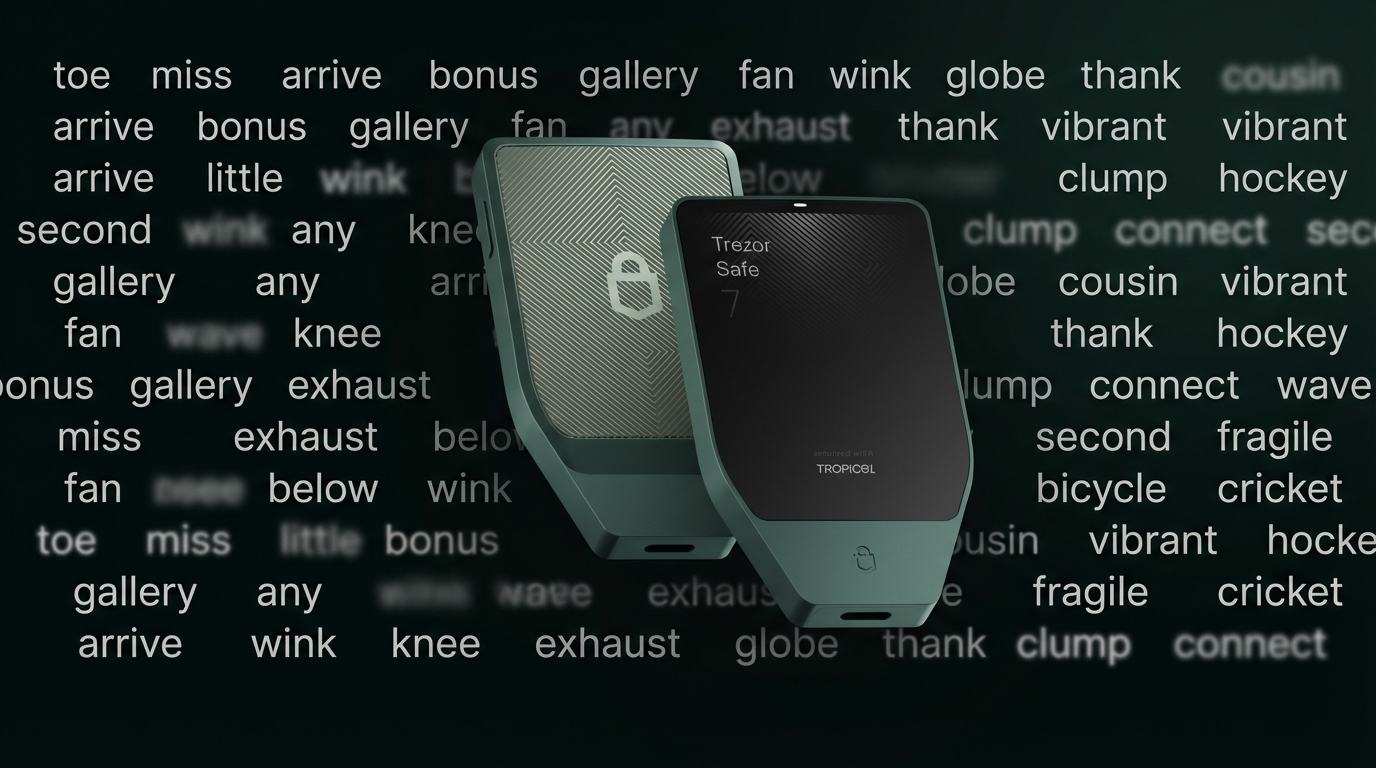
For maximum security, hardware wallets like Ledger and Trezor store your keys offline.
- Pros: Keys never touch the internet, resistant to malware
- Cons: Additional cost ($50-200), less convenient for frequent transactions
How to Set Up a DeFi Wallet
Let's walk through setting up MetaMask, the most common choice:
Step 1: Download
- Desktop: Install the browser extension from metamask.io (verify the URL carefully)
- Mobile: Download from official app stores
Step 2: Create a Wallet
Click "Create a Wallet" and set a strong password. This password encrypts your wallet locally.
Step 3: Secure Your Recovery Phrase
You'll be shown 12 words called your "recovery phrase" or "seed phrase." This is critical:
- Write it down on paper (not digitally)
- Store it in a secure location (fireproof safe, safety deposit box)
- Never share it with anyone
- Never enter it on a website (except when recovering your wallet in the official app)
This phrase is the master key to your wallet. Anyone with these words can access all your funds. There is no "forgot password" option. If you lose your recovery phrase and your device, your funds are gone forever.
Step 4: Add Networks
MetaMask comes with Ethereum by default. To use other networks, add them:
- Go to chainlist.org
- Connect your wallet
- Click "Add to MetaMask" for networks you want (Arbitrum, Polygon, BNB Chain)
Or add manually through Settings > Networks > Add Network.
Step 5: Add Funds
Transfer crypto from an exchange to your wallet address. Always send a small test amount first to verify the address.
Can I Withdraw Money from a DeFi Wallet?
Yes, absolutely. Here's how to convert your crypto back to traditional currency:
Option 1: Send to an Exchange
- Copy your deposit address from a centralized exchange (Coinbase, Kraken, etc.)
- Send crypto from your DeFi wallet to that address
- Sell on the exchange for fiat currency
- Withdraw to your bank account
Option 2: Use an Off-Ramp Service
Services like MoonPay, Transak, or Ramp allow direct crypto-to-fiat conversion:
- Connect your wallet to the service
- Sell your crypto
- Receive funds via bank transfer or card
Option 3: Peer-to-Peer
Platforms like Binance P2P, OKX P2P, or Bybit P2P connect you with buyers directly.
Important Notes
- Network fees apply when sending crypto
- Exchange withdrawals to bank accounts may take 1-5 business days
- You may need to complete KYC (identity verification) on exchanges
- Tax obligations may apply when selling crypto
Connecting Your Wallet to DeFi Apps
Using DeFi applications involves "connecting" your wallet:
- Visit the DeFi app (e.g., Uniswap, Aave, DeFihub)
- Click "Connect Wallet"
- Select your wallet type
- Approve the connection in your wallet
What "connecting" does:
- Lets the app see your wallet address and balances
- Does NOT give the app access to your funds
What "approving" transactions does:
- Each transaction requires explicit approval
- Review what you're approving before confirming
- Signing a transaction can move funds or grant permissions
Security Best Practices
Protect Your Recovery Phrase
- Store offline in multiple secure locations
- Never photograph or store digitally
- Consider using Shamir's Secret Sharing (supported by Trezor) to split your seed into multiple shares where you need a threshold (e.g., 2-of-3) to recover
Verify Everything
- Double-check URLs before connecting (phishing sites mimic real ones)
- Verify contract addresses before approving
- If an offer seems too good to be true, it's probably a scam
Use Transaction Simulation
Some wallets (like Rabby) show what a transaction will do before you confirm. Use this feature to catch malicious transactions.
Revoke Unused Approvals
When you approve a DeFi app to spend tokens, that approval often remains indefinitely. Periodically review and revoke old approvals using:
Consider a Hardware Wallet
For significant holdings, a hardware wallet adds crucial security by keeping your keys offline.
Multiple Wallets Strategy
Many DeFi users maintain multiple wallets:
- Hot wallet: Small amounts for daily DeFi activities
- Cold wallet: Hardware wallet for long-term holdings
- Burner wallet: For trying new protocols with minimal risk
This limits damage if one wallet is compromised.
Recovering Access
Lost your device but have your recovery phrase? You can restore your wallet:
- Install the wallet app on a new device
- Select "Import Wallet" or "Restore from Seed Phrase"
- Enter your 12/24 words in order
- Set a new password
Your funds and transaction history are on the blockchain, not your device. The recovery phrase is just the key to access them.
Scam warning: Never enter your recovery phrase on any website, form, or "support tool." Scammers actively target people trying to recover wallets. No legitimate support will ever ask for your seed phrase. If someone in Discord, Telegram, or email offers to help recover your wallet, it's a scam.
Your wallet is your gateway to DeFi. Take time to set it up securely, and remember: with self-custody comes responsibility. Protect your recovery phrase like it's worth your entire crypto portfolio, because it is.